学校向けUSB-C充電ソリューション
Schools manage large fleets of Chromebooks, laptops, and tablets that must be charged, stored, and ready each morning without adding classroom hazards or IT overhead.
想定される環境
Classrooms, computer labs, libraries, and shared storage rooms, often with limited outlets and overnight charging windows.
デバイスの種類
- Chromebooks
- Laptops
- Tablets
- Mixed device fleets
デバイス数量
Typically 10–40 devices per unit; multiple units per campus.
充電出力
USB-C Power Delivery sized to the fleet. Where dynamic power allocation is used, total output is shared across active ports — not every port delivers its maximum at once unless stated per product.
保管とセキュリティ
Lockable storage keeps devices secure between lessons and overnight. Slot sizing should match the largest device (including any case).
冷却とケーブル管理
Ventilated designs and organized internal cabling reduce heat build-up and cable damage; label slots for consistent returns.
おすすめのLVSUN製品タイプ
適合するLVSUN製品


導入プロセス
- 1Assess device types, quantities, and case sizes
- 2Select cart/cabinet/station configuration
- 3Confirm plug type and certifications for your market
- 4Pilot in one classroom
- 5Roll out and train staff
カスタマイズオプション
Port count, slot size, plug type, and branding can be adapted for OEM/ODM programs.
認証
Products are designed to meet international certification requirements; the applicable certifications are listed per product and confirmed for your target market during quotation.
よくある質問
Can one unit charge mixed devices?
Do you support overnight charging?
Is remote management available?
関連する技術リソース

技術ガイド
なぜ学校の教室に充電ドックが必要なのか?
ガイドを読む
活用ガイド
教室でのUSB-Cケーブル配線の整理
配線の整理は見た目の問題ではなく、安全性・寿命・気流に関わります。
ガイドを読む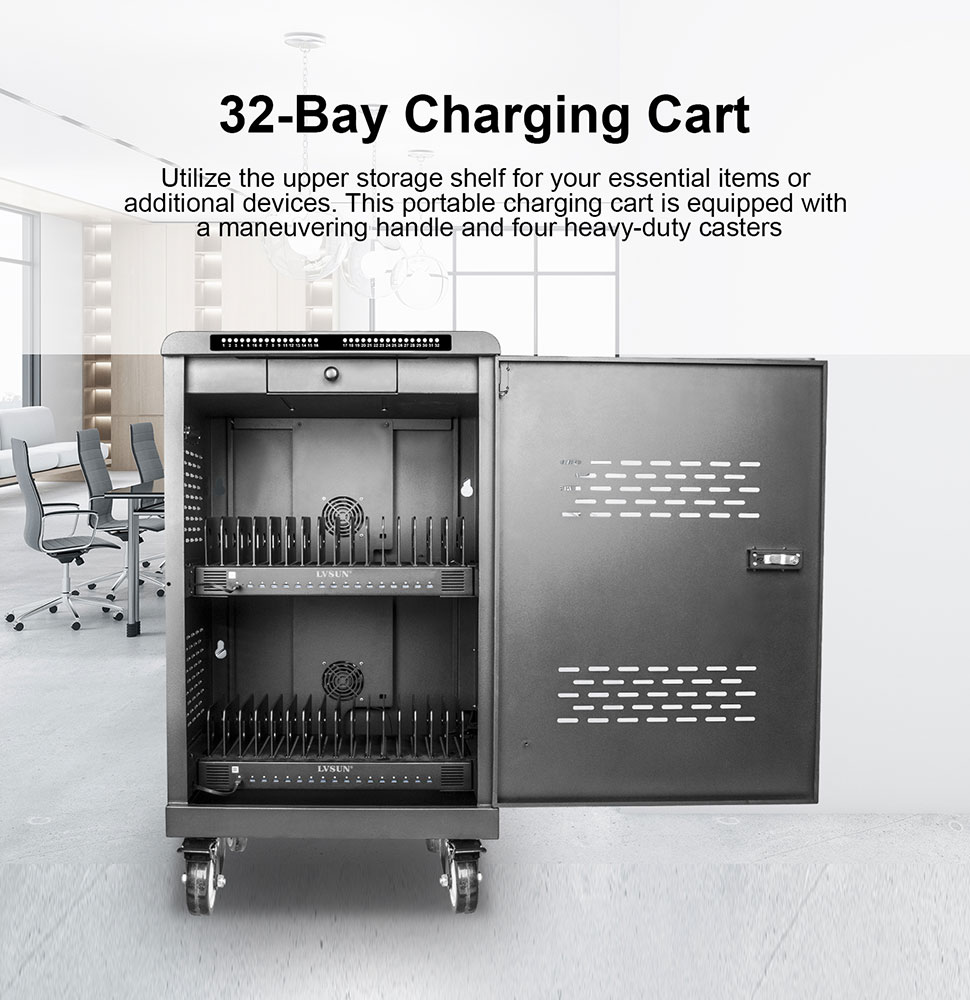
活用ガイド
学校における充電の安全対策
認証取得機器・放熱の余裕・ケーブルの安全・施錠保管、この4本柱が基本です。
ガイドを読む
比較
充電キャビネットと充電カート:どちらが自社の現場に合うか
決め手は移動性・収容台数・設置場所です。項目ごとに比較します。
ガイドを読む
製品選定ガイド
Chromebook用充電カートの選び方
製品を比較する前に決めるべき5つの点。それがChromebook充電カートの適否を決めます。
ガイドを読む
ソリューションを相談
デバイス、数量、市場をお知らせください。当社チームが構成をご提案し、お見積もりを作成します。